SpicyChat Share
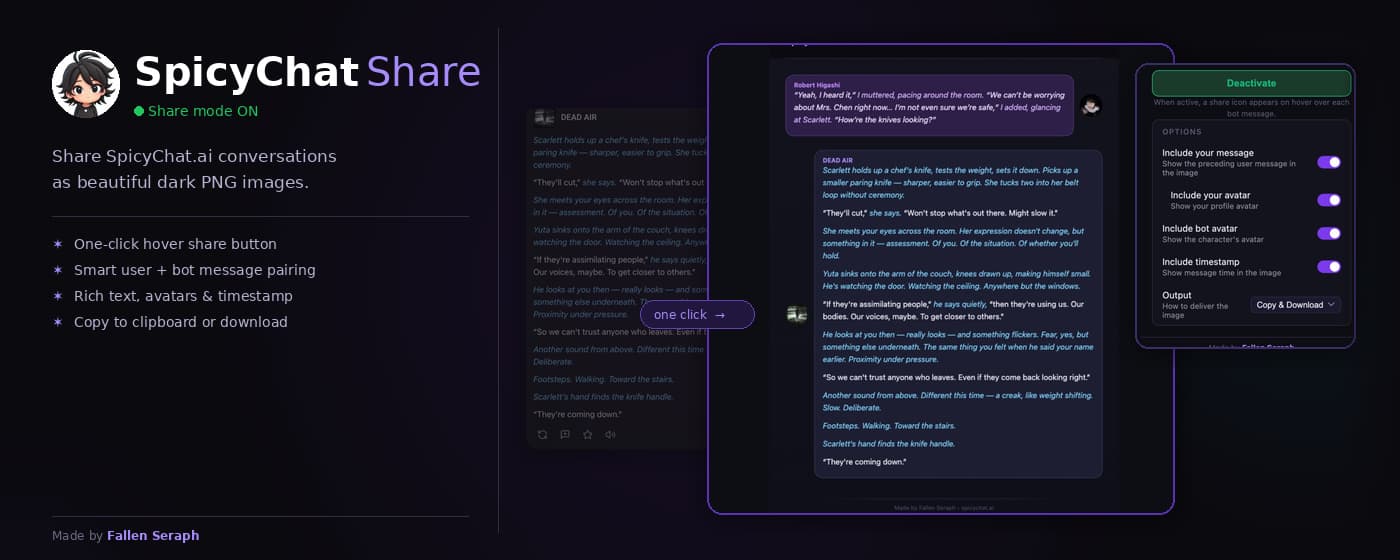
Share SpicyChat.ai conversations as beautiful dark-themed PNG images with one click.
About
SpicyChat Share is a Chrome extension that lets you capture any SpicyChat.ai conversation exchange and export it as a polished, dark-themed PNG image — perfect for sharing on Discord, Reddit, Twitter/X, or anywhere else. Everything runs locally in your browser. No sign-in, no accounts, no servers.
Features
- ✦
One-click sharing
Hover any bot message and a share button appears instantly. One click generates a polished PNG card.
- 🔗
Smart pairing
Automatically includes the preceding user message so your image tells the full story — not just the bot reply.
- ✍️
Rich text rendering
Italic and bold Markdown formatting from the chat is preserved in the image exactly as it appears on screen.
- 🎨
Colour-coded text
Narrative action text (italics) renders in a distinct accent colour; quoted dialogue stays in the base colour for clean readability.
- 👤
Avatars & names
Bot and user avatars, display names, and an optional timestamp are embedded in every card.
- 🌑
Dark aesthetic
Card colours are tuned to match SpicyChat's dark UI — the output looks native, not screen-grabbed.
- 📋
Clipboard + download
Copy directly to clipboard, save to disk, or both — configurable from the extension popup.
- 🔒
Privacy-first
No data collected, stored, or transmitted. All rendering runs on a browser Canvas entirely in your browser.
Quick Facts
- Type
- Chrome Extension (MV3)
- Platform
- Chrome / Chromium
- Status
- Live
- Released
- April 2026
- Built with
- TypeScript · esbuild · Canvas API
- Made by
- Fallen Seraph
- Site
- spicychat-share.vercel.app